 Squawkly
FAA ground school · checkride prep
Ground school built around your home airport.
Type your home airport and Squawkly builds your practice around it: its tower, its weather, and the FAA written. Short, hands-on lessons you can finish between flights.
- 370+ lessons
- 16 learning paths
- 20 tower conversations
- Lessons work offline
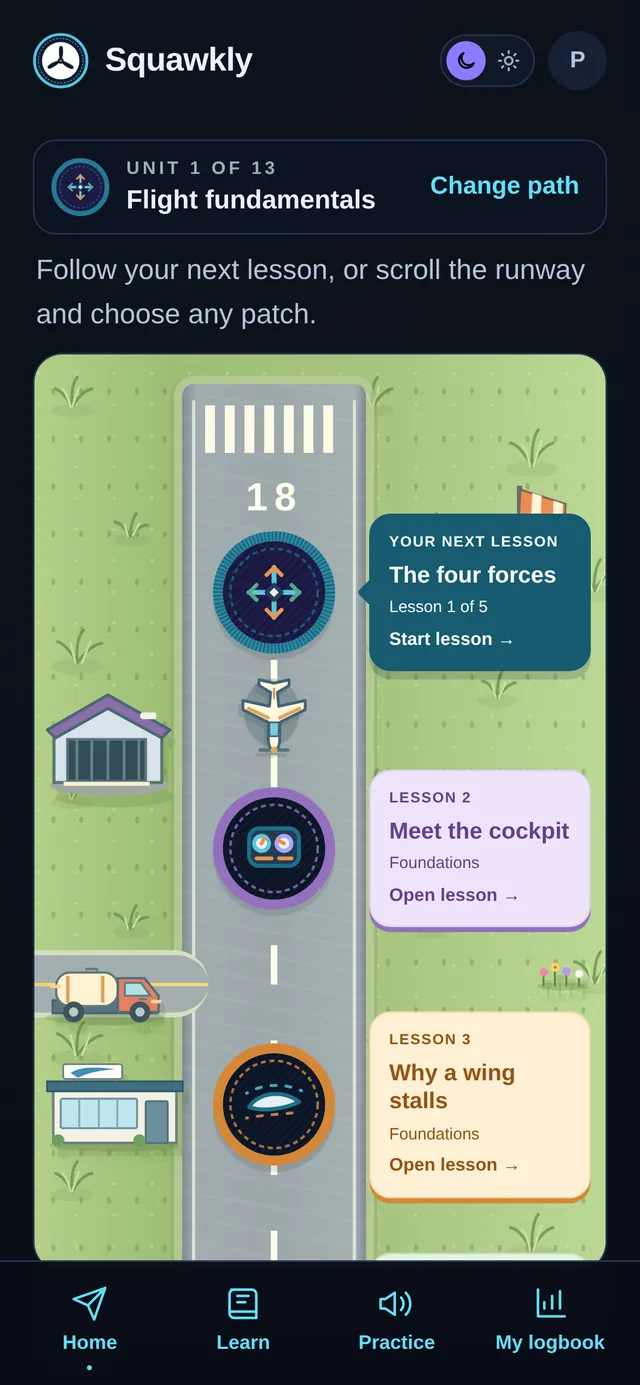
Talk & listenAny U.S. public airport
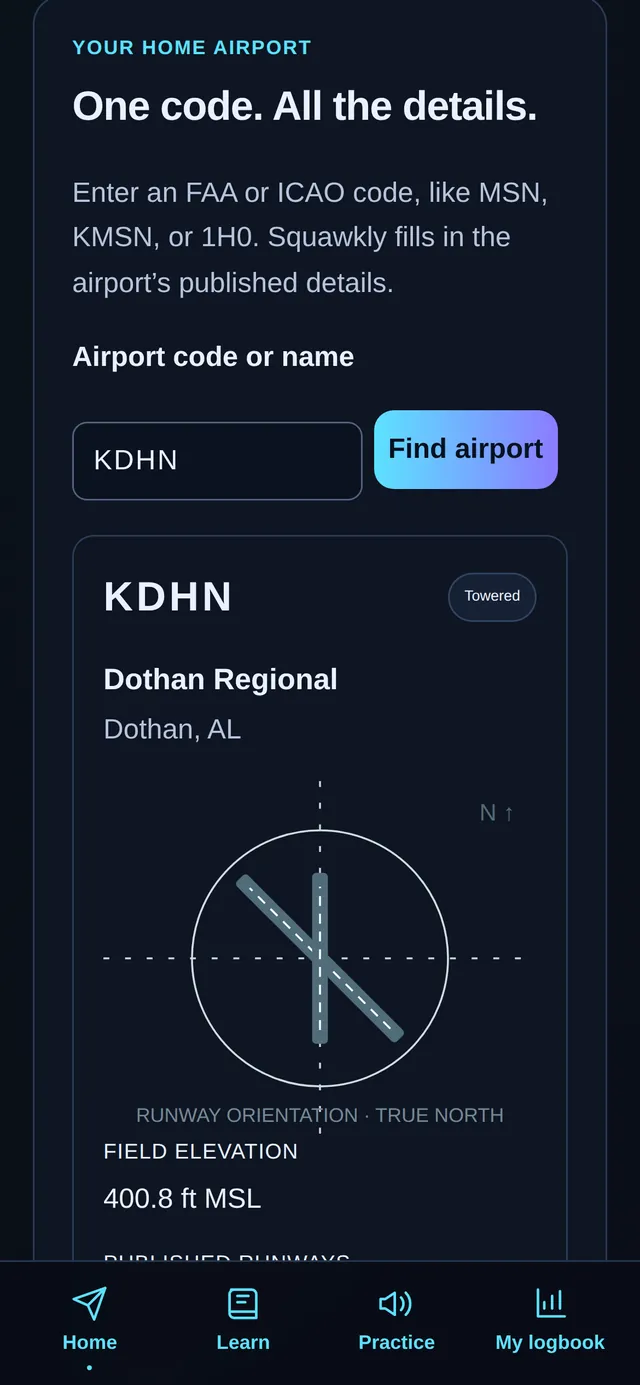
Your airport. Your practice.
Type your home airport code, like KMGM or 1H0. Squawkly fills in its runways, frequencies and field elevation from FAA data, and the radio and weather practice use it.
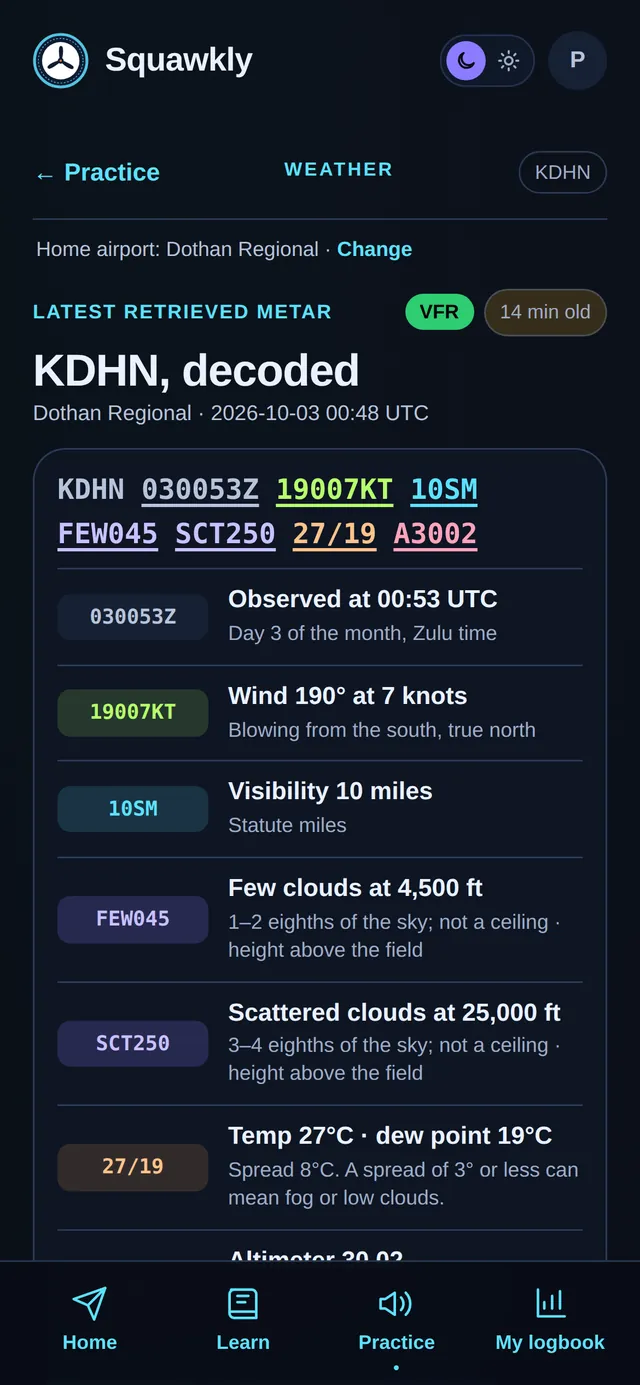
Real weather, decoded
Pull your airport's latest METAR from the Aviation Weather Center. Every group is explained in plain words, then a short listening quiz checks what you caught.
Radio roomTalk or type
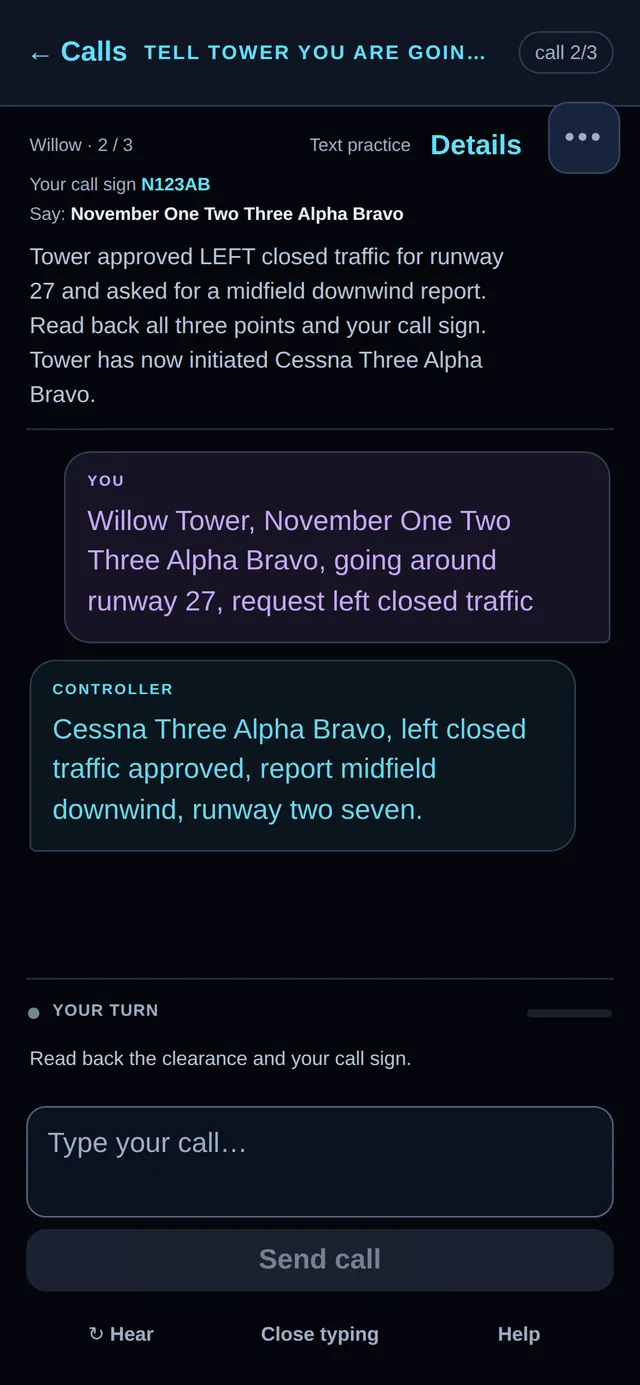
Talk to the tower.
Twenty guided conversations, from your first taxi call to a go-around. Hold to talk or type your call, and the controller answers.
Hands-onHundreds of interactive scenes
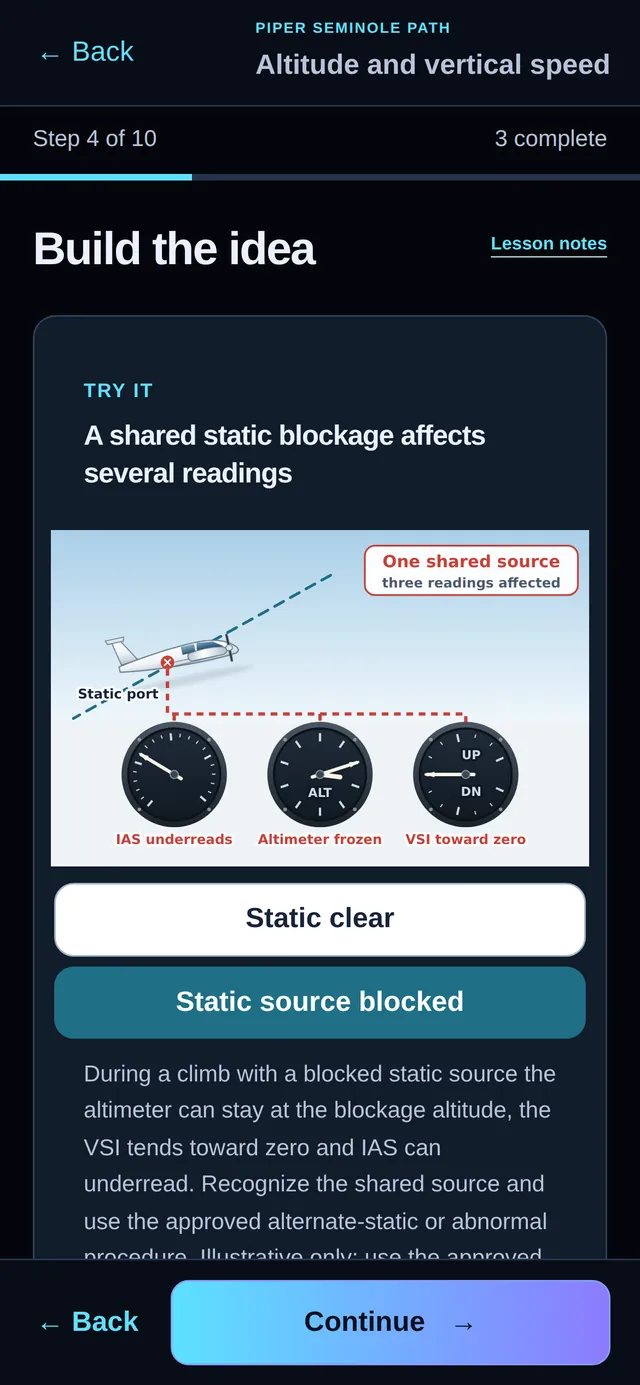
Diagrams you can move.
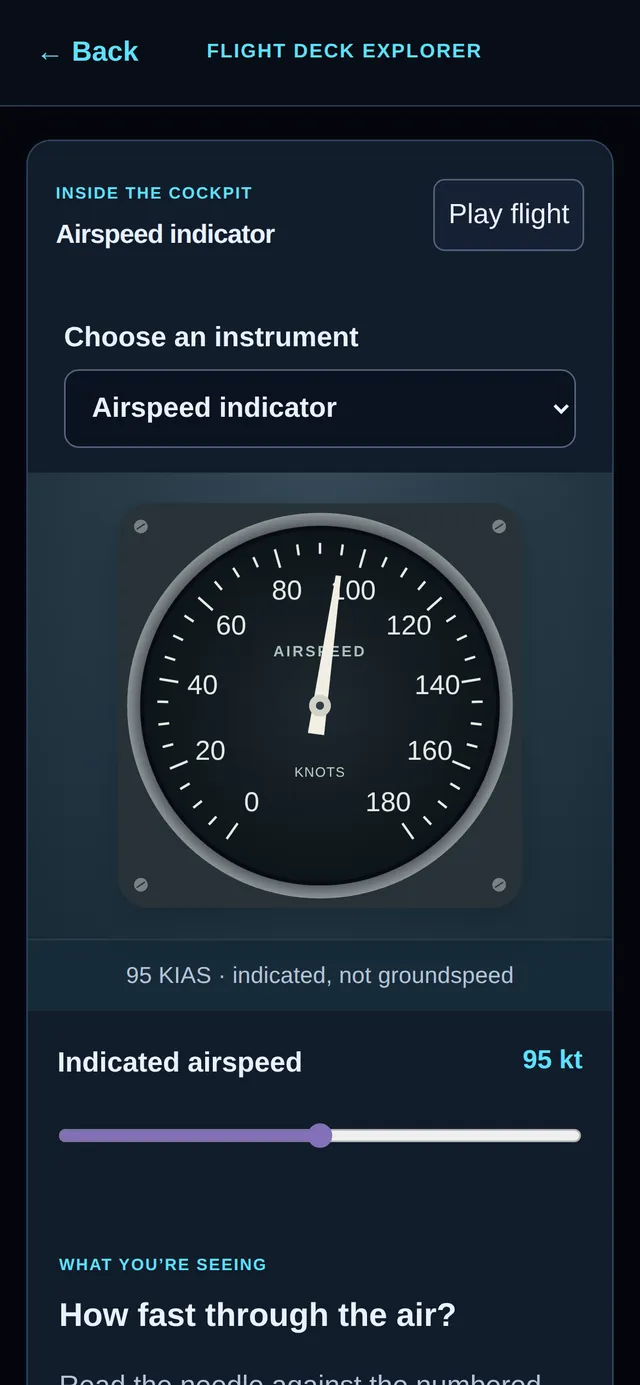
Work the controls, block a static port, and watch the instruments react. Lessons are built from scenes you can touch.
Practice adds an instrument explorer, a flight lab, an airport signs and markings drill, navlog and E6B practice, and a fuel planning lab.
Test prepEvery answer explained
Study for the test you'll take.
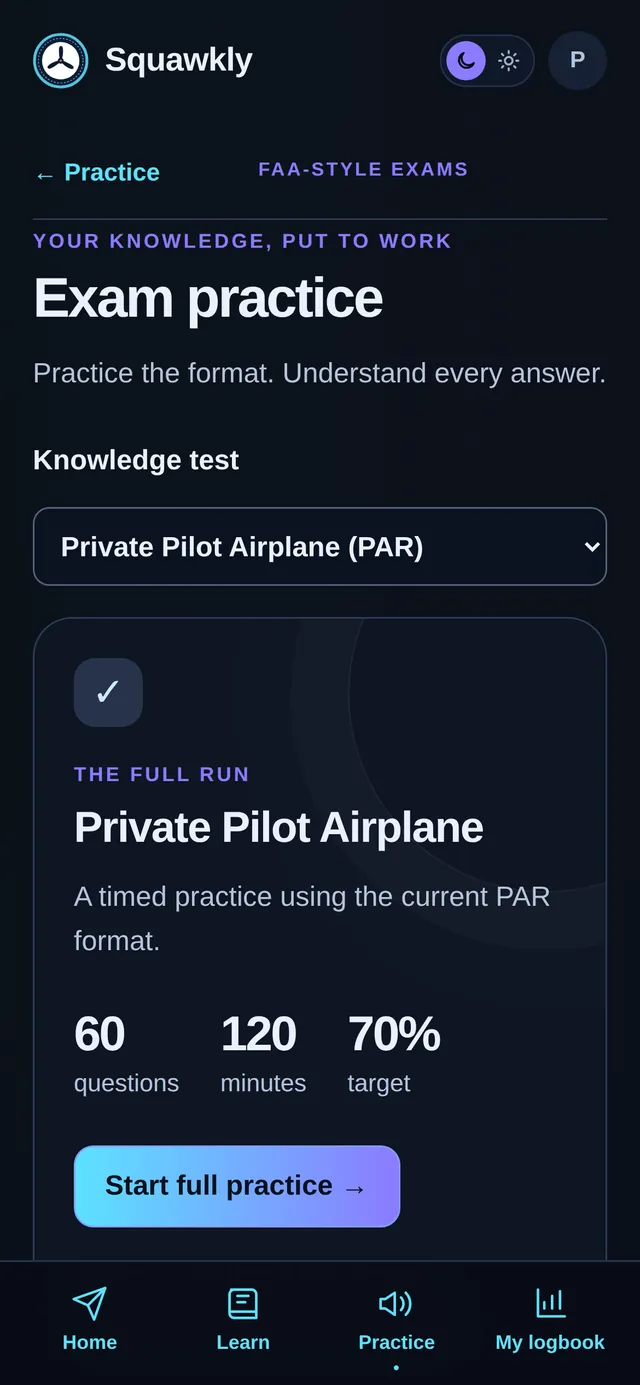
FAA-style practice tests: a timed full run, or quick 10- and 20-question sets. Every answer choice comes with an explanation.
Flashcards that stick
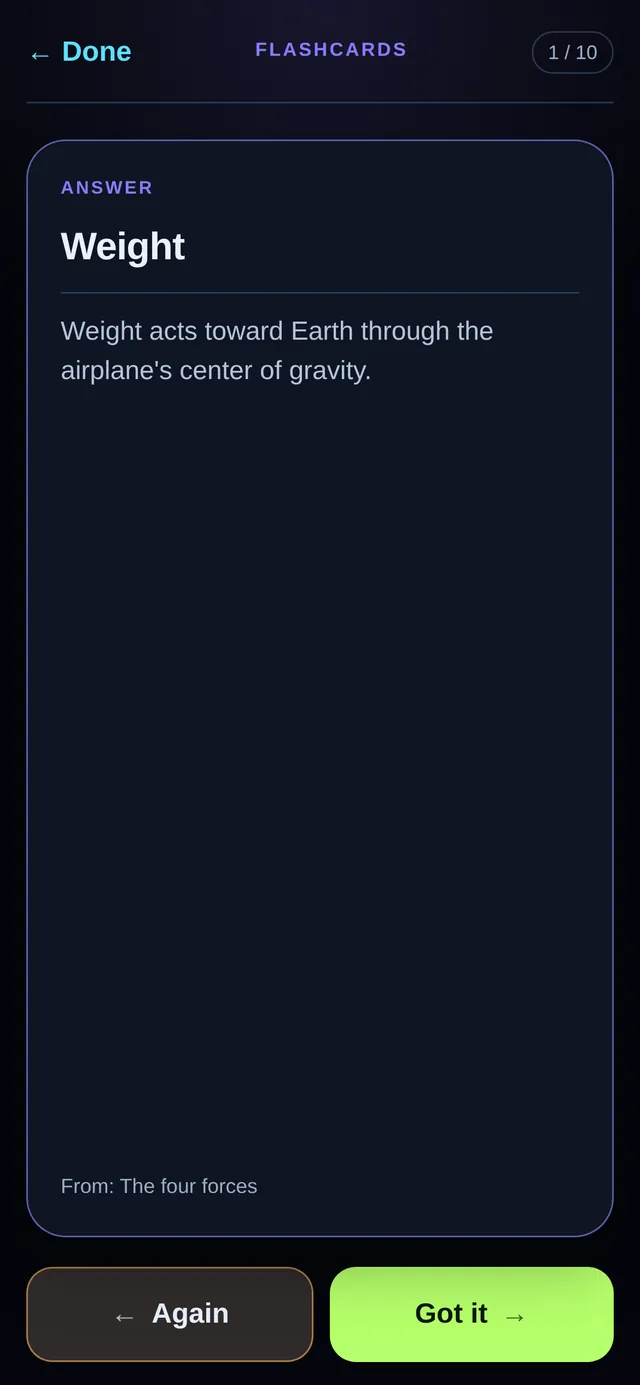
Cards come from every lesson. Each one comes back right before you'd forget it.
- Today
- 1 day
- 3 days
- 7 days
- 16 days
- 35 days
Each time you know a card, the wait before it comes back grows. Miss it and you see it again today.
Mock orals and chart skills
Checkride-style oral questions with model answers, and chart practice on real FAA testing-supplement figures.
Learning pathsFirst unit of each is free
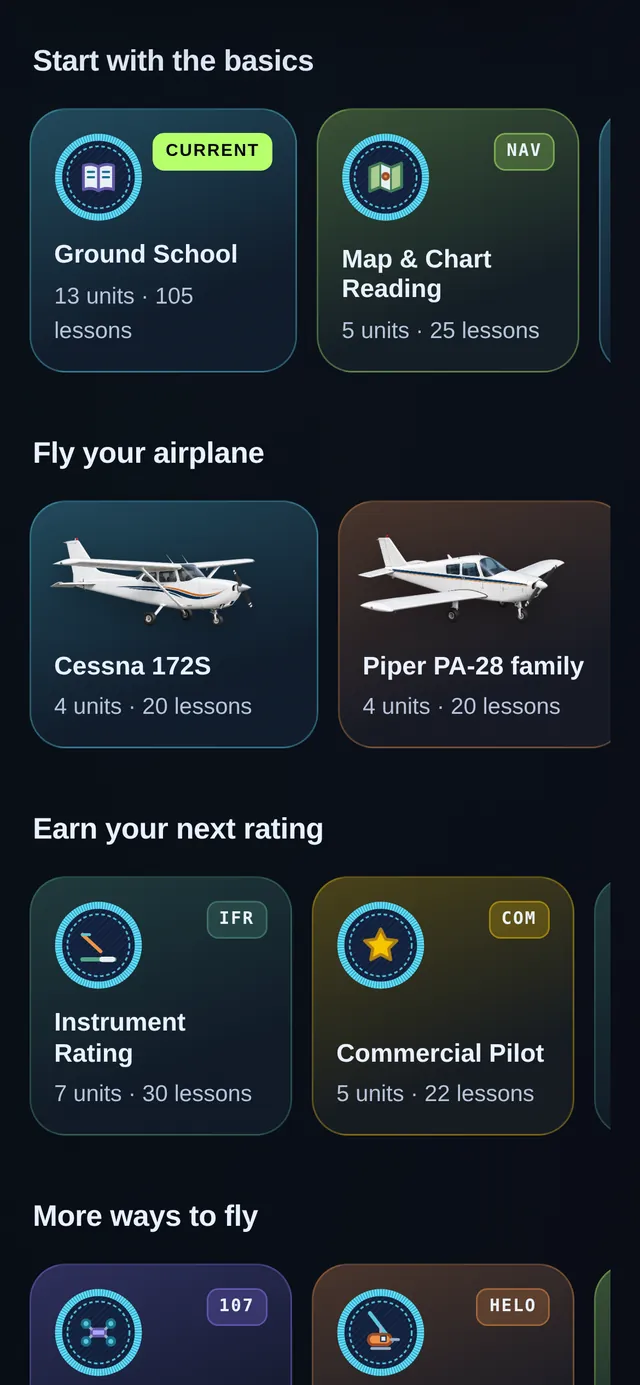
Every path in one app.
Start with ground school, learn the airplane you fly, then keep going to your next rating.
Start with the basics
- Ground SchoolPrivate pilot essentials
- Map & Chart Reading
- Checkride PrepPrivate pilot practical test
- Returning PilotFlight review and refresher
Fly your airplane
- Cessna 172S
- Piper PA-28 familyCherokee, Warrior, Archer
- Piper SeminolePA-44-180
- Diamond DA42
Earn your next rating
- Instrument Rating
- Commercial Pilot
- Flight Instructor
- Multi-engine foundations
More ways to fly
- Remote PilotSmall UAS, Part 107
- Private Pilot Helicopter
- Military to FAA
- EndorsementsTailwheel, complex, high-performance
iPadAny orientation, Split View
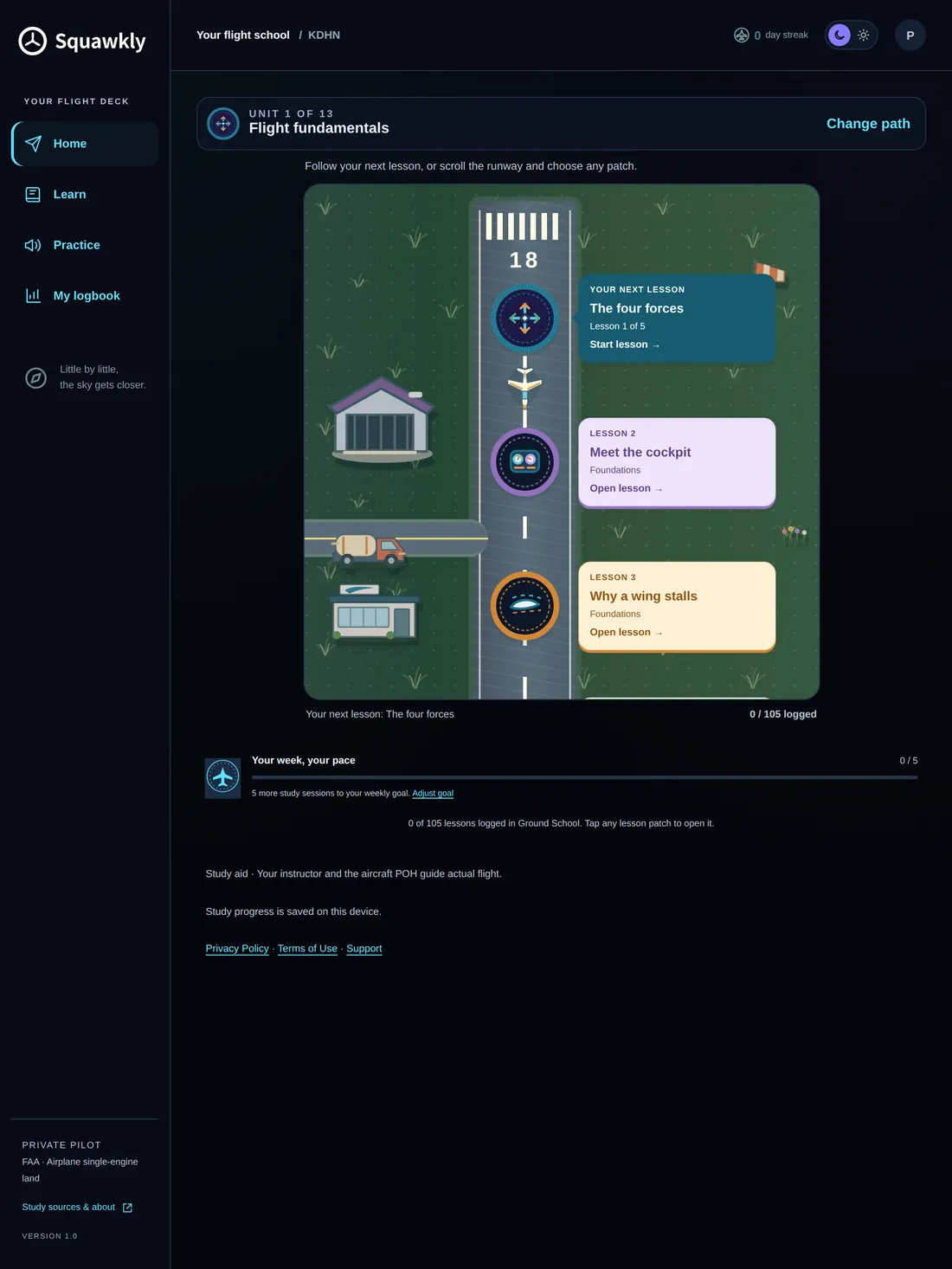
Room to spread out on iPad.
On iPad, Squawkly opens to a full layout with a sidebar, so the runway map, practice and logbook are one tap apart. It works in any orientation and in Split View next to your notes.
Your progress is saved on the device you study on. Export a backup from Settings any time.
Start free. Go Pro when you're ready.
The first unit of every path, with no account and no ads.
Works out to $5.00 a month, half the monthly price.
- Every path and lesson
- Full timed practice tests
- Mock oral exams
- New lessons and corrections as they're added
Everything in Pro, billed monthly.
Both plans start with a 1-week free trial for new subscribers. Payment is charged to your Apple Account when the trial ends. Subscriptions renew automatically unless you cancel at least 24 hours before the end of the current period. Manage or cancel any time in Settings › Apple Account › Subscriptions. Prices in U.S. dollars.
No account. No ads. No tracking.
Squawkly doesn't collect your personal information. Lessons and progress stay on your device. Read the privacy policy.
Questions pilots ask
Is Squawkly approved by the FAA?
No. Squawkly is a study aid. It isn't affiliated with or endorsed by the FAA, and it doesn't replace your authorized flight instructor, your aircraft's approved flight manual (POH/AFM) or official FAA publications.
Are these the real FAA test questions?
The FAA doesn't publish its active test bank. The practice tests use original questions in the FAA format, plus clearly marked sample questions the FAA has published, with an explanation for every answer choice.
Do I need an account?
No. Download the app and start the first unit of any path. Nothing to sign up for.
Does it work without internet?
Yes. Lessons, videos and narration are inside the app. Live weather and lesson updates need a connection.
Does my progress move between my iPhone and iPad?
Progress is saved on each device. You can export a backup file from Settings and import it on another device.
How do I cancel the free trial?
Open Settings › Apple Account › Subscriptions on your iPhone or iPad and cancel Squawkly Pro at least 24 hours before the trial ends. You won't be charged.